What AI Decisions Look Like

It is one thing to know what an AI tool is. It is another to know what it is doing when you ask it to do something. This section builds that second kind of knowing.
In this section you will learn:
- how AI tools work as decision-makers, and why every output is the result of a decision
- the six categories of decision AI tools commonly make
- what each category looks like in practice, with real examples
- when a task does not need an AI tool at all, and why
AI tools make decisions
When you ask an AI tool to do something, it is making a decision. Every time.
If you ask it to write a reply, it decides what to write. If you ask it to sort some emails, it decides which goes where. If you ask it to pull the dates out of a document, it decides which numbers in the document are dates and which are not. The output you see is the result of those decisions.
This is true even when the output looks like a finished thing. A draft email is not just text appearing on the screen.
It is the result of several decisions:
- what tone to use
- what points to make
- what to say first
- what to leave out
- how to end it
The AI tool made each of those decisions. You see the finished version, but the work that produced it was decision after decision.
This matters because it gives you a useful question to ask about any AI tool you come across. What decision is this tool making, and is that the decision I actually need made? If you can answer that, you can work out whether the tool is the right one for the job in front of you.
There is one more thing worth noticing. The same decision asked for twice can produce two different answers. AI tools are not looking up a fixed answer in a database. They are working out an answer each time. So two requests that look the same to you can come back with slightly different wording, slightly different points covered, or in some cases a different result altogether. This is a normal feature of how these tools work, not a fault.
See it in action
A customer service person at a software company pastes a long, angry complaint email into an AI tool and asks for a suggested reply.
What looks like one task is actually several decisions happening one after another inside the tool.
The first decision is what the complaint is actually about. The customer mentioned three things in their email. There is a billing problem, a slow response from support, and a feature that did not work as expected. The tool decides which of these is the main issue and which are the smaller ones around it.
The second decision is what tone the reply should take. The customer is angry but the complaint is reasonable. The tool decides on a calm, apologetic tone rather than a defensive or overly cheerful one.
The third decision is what specific points to address. The tool decides to acknowledge the slow response, explain what happened with the billing, and offer a clear next step on the feature problem.
The fourth decision is what to suggest as a resolution. The tool decides to offer a partial refund and a follow-up call from a senior support person.
What the customer service person sees is a single suggested reply on the screen. What actually happened was four decisions in sequence, each one shaping the next.
The six categories of AI decision
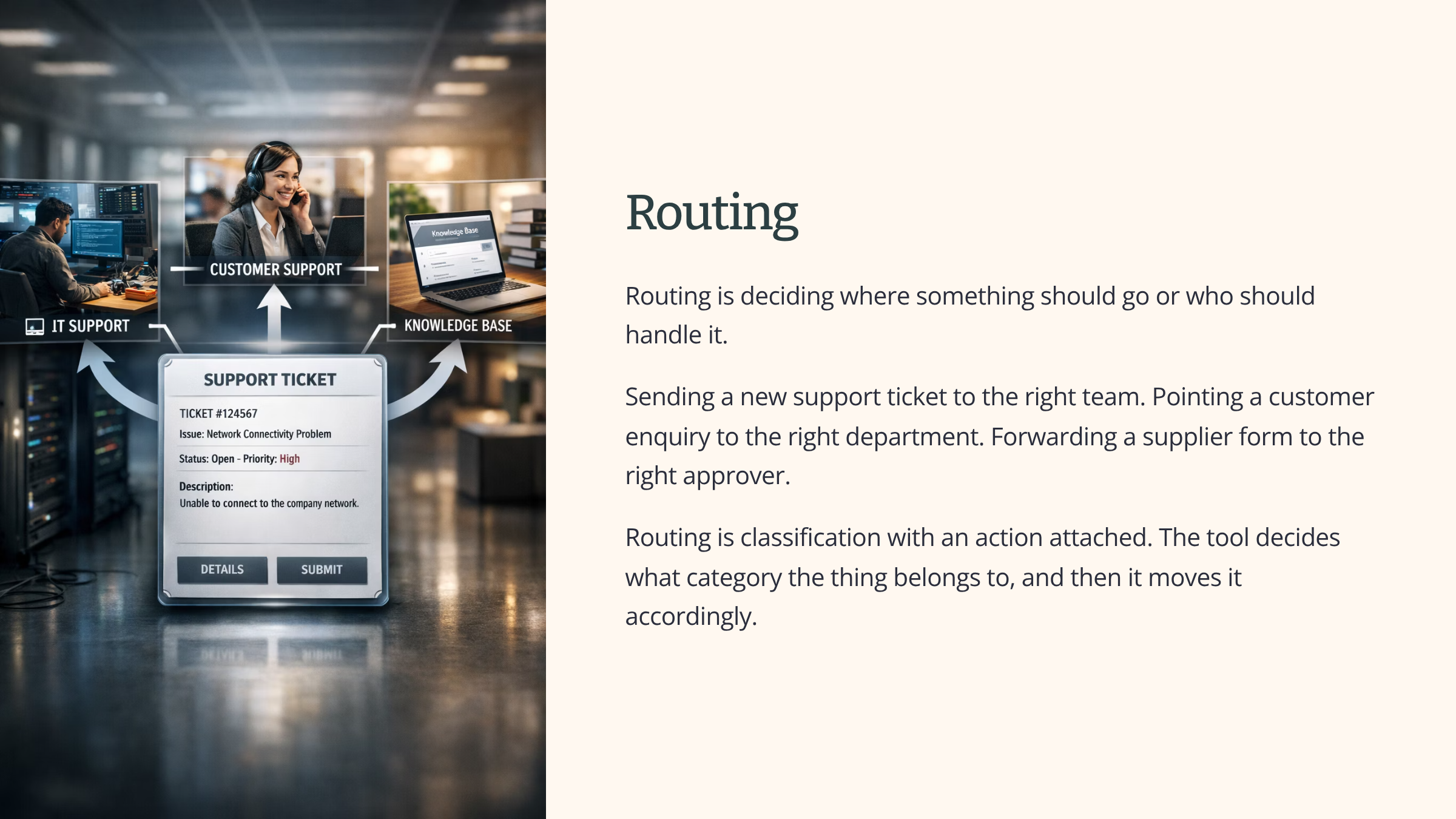
AI tools can do many different things, but the decisions they make tend to fall into six broad categories. Knowing the six gives you a way of looking at any AI tool and working out which of these categories it sits in.
See it in action
Three different tasks, one after another, each using a different kind of AI decision.
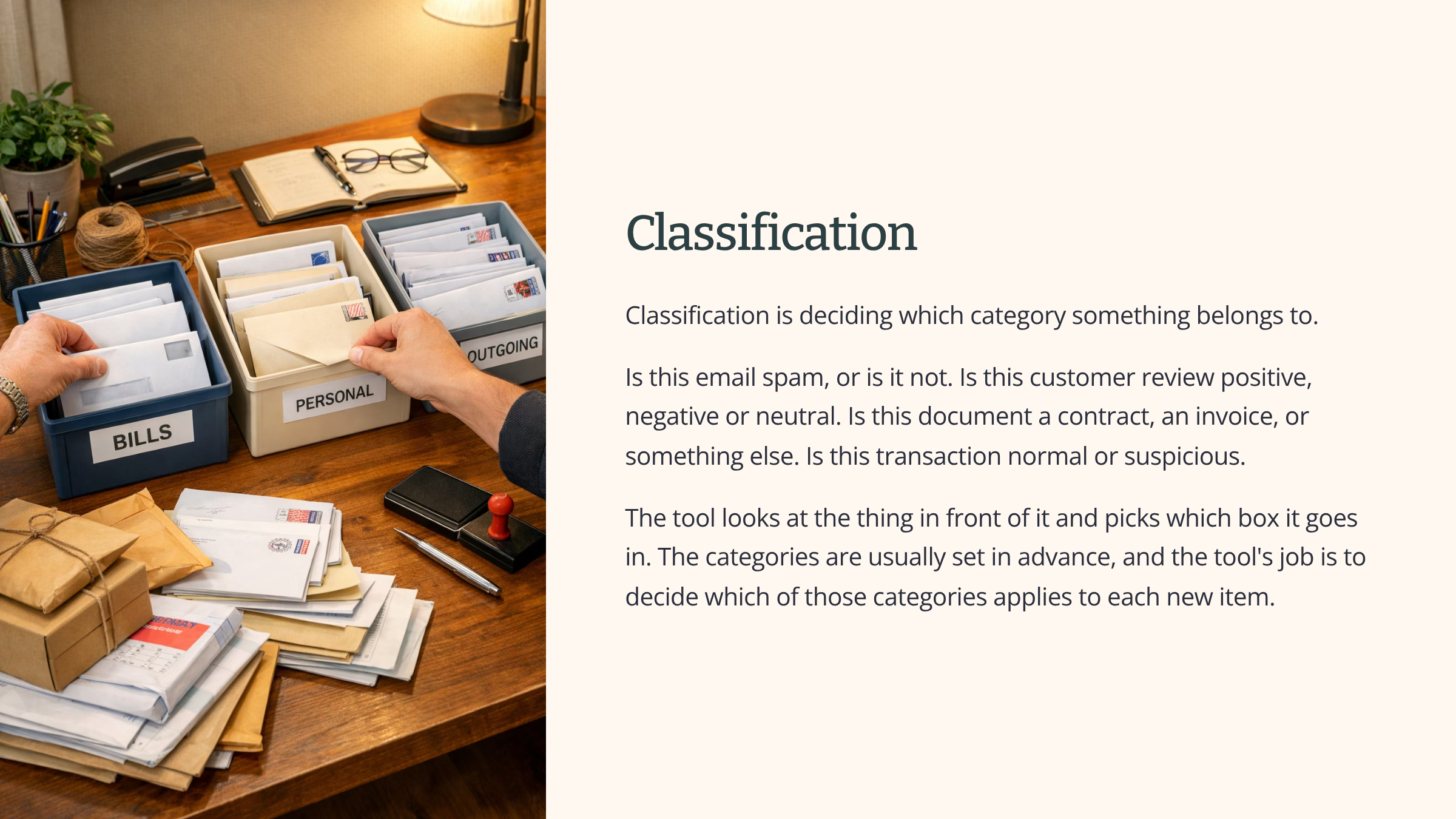
A team leader at a charity wants to make sense of feedback from a recent event. There are around 200 written comments. The team leader uses an AI tool to sort the comments into themes. What people liked, what they thought could be improved, and what they were confused by. The AI tool is making a classification decision on each comment. It looks at each one and picks the box it belongs in.
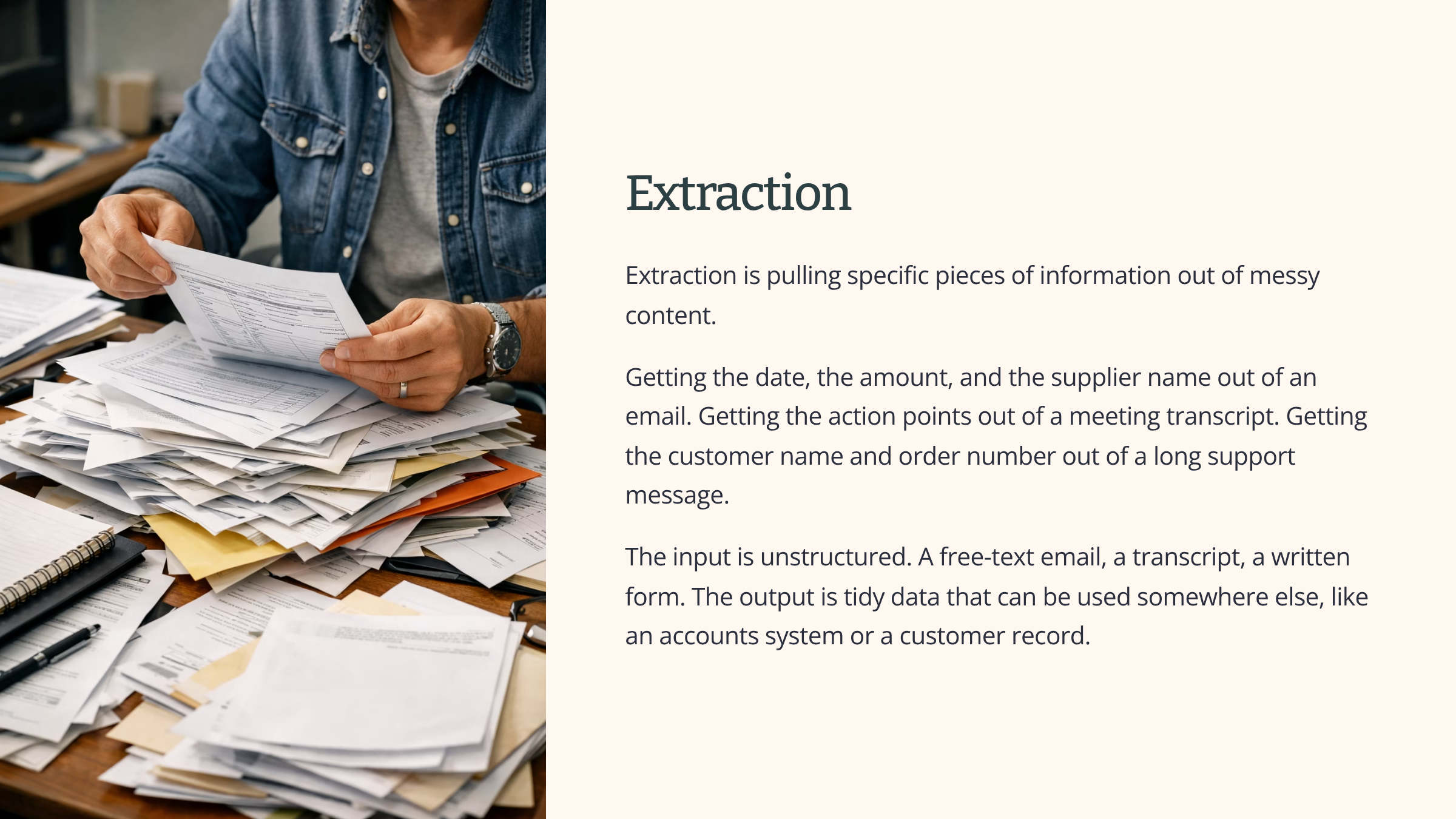
A bookkeeper at a small accountancy practice has a folder of around 40 supplier invoices to enter into the accounts system. The invoices are all in different formats. Some PDF, some emailed images, some scanned paper. The bookkeeper uses an AI tool to pull four pieces of information out of each one. The supplier name and invoice date. The total amount and the VAT figure. The AI tool is making an extraction decision. It reads the messy input and produces tidy data that can be entered into the system.
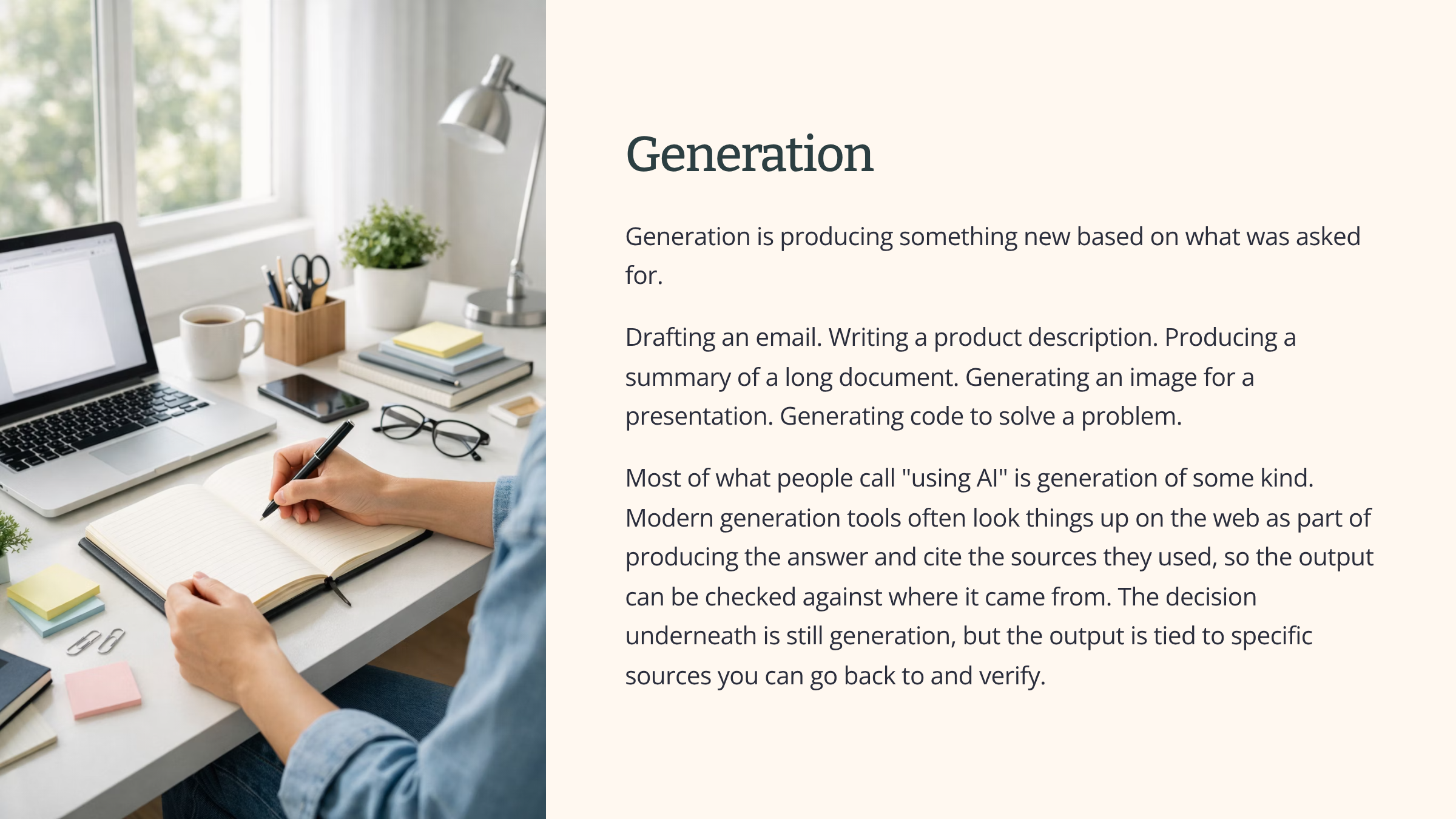
A marketing person at a coffee company needs to draft three social media posts about a new product launch. They use an AI tool to produce first drafts of each post. The AI tool is making a generation decision. It produces new text based on what was asked for. The marketing person will then edit the drafts before they go live.
In each case, the tool is doing something useful. But what it is actually doing, the kind of decision it is making, is different in each case.
Some tasks don’t need an AI decision
Not every task needs an AI tool. For some tasks, a simple rule, a lookup, or an automation will do the job better. More reliably, more cheaply, and with less risk.
An automation here means a piece of software set up to follow fixed rules. It does the same thing every time, in the same way, with no judgement involved. If the input matches the rule, the action happens. If it does not, the action does not happen.
Signs a task does not need AI
There are some clear signs that a task does not need an AI decision.
Same rule every time
The first sign is that the rule for deciding what to do is simple and the same every time. If the rule is “anything over £500 goes to the manager”, that is not a decision an AI tool needs to make. A simple rule will do it every time.
Lookup
The second sign is that the answer is a lookup. If the question is “what is the VAT on this invoice”, the answer is a calculation, not a judgement. A spreadsheet formula or a small script will give you the right answer every time.
Same Input Shape
The third sign is that the inputs are always the same shape. If the data comes in a standard form with the same fields every time, you do not need a tool that can handle messy input. You need a tool that processes structured data.
High Volume – same way every time
The fourth sign is that the work is high volume and needs to happen the same way every time. Reliability matters more than flexibility. An AI tool that produces slightly different results each time is a worse fit than an automation that does the same thing every time.
Three examples where AI is reached for but is not the right answer
Here are three real examples of tasks where AI is often suggested but a simpler tool will do the job better.
1
A company is thinking about using an AI tool to decide which invoices to approve. The rule they want to apply is “approve anything under £1,000 from a known supplier”. That is a simple rule. A rule-based automation will do this every time, at no cost per check, with no risk of producing a different answer on a different day. No AI decision is needed.
2
A team is thinking about using an AI tool to sort incoming emails into three types based on what each email is about. The three types are easy to spot from keywords in the subject line. A filter with three rules will do the job every time. No AI decision is needed.
3
A manager is thinking about using an AI tool to produce weekly status reports from project data. The data is already in a structured form, sitting in a spreadsheet. A template and a small script will produce the report every time, identically. No AI decision is needed.
Why this matters
Using an AI tool when a simpler tool will do is a common way of adding cost, risk and complication without adding value.
AI tools are more expensive to run than simple automations. They produce different outputs on different runs, which can be a problem when you need the same answer every time. They also carry risks that simpler options do not. There is the risk of a made-up answer. There is the risk of data going somewhere it should not. There is the risk of an output that looks right but is not.
When a simple rule will do the job, the simple rule is the better choice. AI tools are powerful, but they are not free, and they are not always the right answer.
See it in action
A small business owner runs an online shop selling handmade soap. They want to set up automated thank-you emails that go out to every new customer after their first purchase.
They are thinking about using an AI tool to write each thank-you email so each one is slightly personalised.
Watch how the reasoning runs.
The first question is what decision needs to be made. The answer is the wording of a thank-you email.
The next question is whether the wording needs to be different each time. The owner thinks about it. The customer details that go into the email, like name, order number and items bought, change every time. The wording around them does not. Every customer is being thanked for the same thing in the same way.
The next question is whether a simple template would do the job. The answer is yes. A template with the customer name, order number and items pulled in from the order system will produce a clear, consistent thank-you email every time.
The next question is what an AI tool would add. The answer is variability. Each email would be slightly different. That is not a benefit here. The customer reading the email is not comparing it to other thank-you emails to see how creative it is. They want a clear acknowledgement of their order.
The next question is what an AI tool would cost. The answer is more than the template. There is a cost per email generated, however small, and the cost grows with the volume of emails. The template costs nothing per email once it is set up.
The final question is what risks an AI tool would add. The answer is a small but real risk that the email contains something unexpected. That could be a wrong tone, a strange phrasing, or in rare cases an outright mistake.
The decision is to use a template, not an AI tool. The job does not need an AI decision.
Summary
AI tools are always making decisions. The output you see is the result of a decision the tool made, and those decisions sit in six broad categories. They are classification, extraction, generation, prediction, routing, and matching. Knowing this gives you a sharper way of looking at any AI tool you come across, and the most useful question to ask of one is whether the task in front of you needs an AI decision at all.