Where AI Lives – On-premise, Cloud, and Third Party

When you start working with AI and automation tools, it is easy to think of them as just software you use. But every AI tool runs somewhere. Some run on computers your own organisation owns. Some run on computers rented from a big technology provider. Some run inside a product made by another company that you pay to use.
Where the tool runs is not a small technical detail. It changes what you can do with the tool. It changes who handles the data. It changes what the risks are when something goes wrong. It also changes what your organisation is responsible for.
In this section you will learn
- what on-premise AI is, what it gives you and what it takes away
- what cloud-based AI is, what it gives you and what it takes away
- what third-party AI is, what it gives you and what it takes away
- the risk of getting stuck with a third-party supplier
- how the three options compare and why most organisations end up using a mix
On-premise AI and automation
What on-premise means
On-premise means the AI or automation software runs on computers the organisation owns or controls. These might be servers inside the organisation’s own building, or servers in a building called a data centre that the organisation rents space in. A data centre is a large building full of servers, and many organisations rent space in one rather than running their own.
Either way, the equipment belongs to the organisation. It sits where the organisation decides. It is looked after by people the organisation pays.
When AI runs on-premise, the data the AI uses stays on the organisation’s own equipment. The organisation is responsible for the hardware, the upkeep, and the security of the whole setup.
What on-premise looks like today
On-premise AI is less common than cloud-based AI for most organisations. But it is still a real choice in some cases.
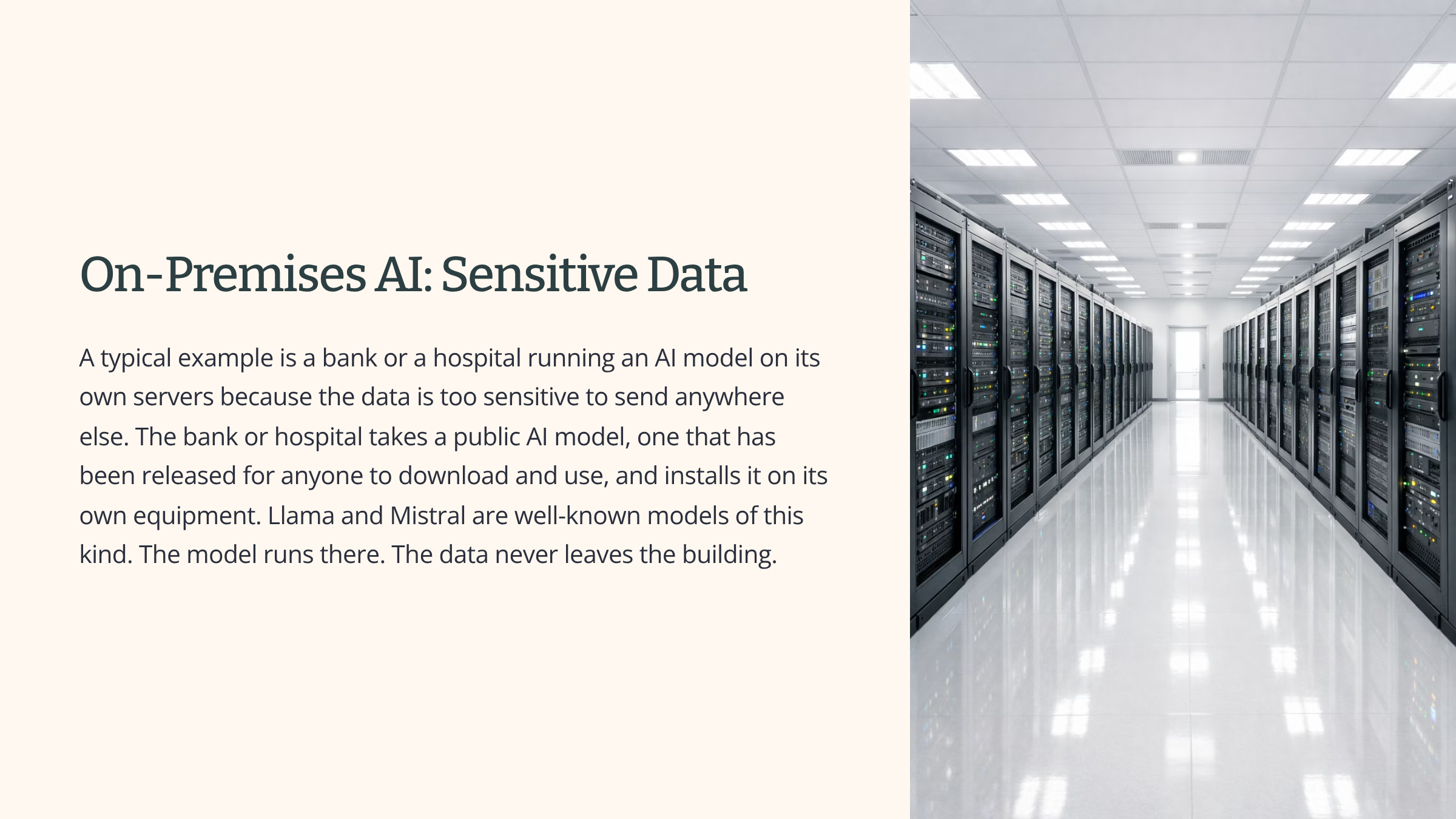
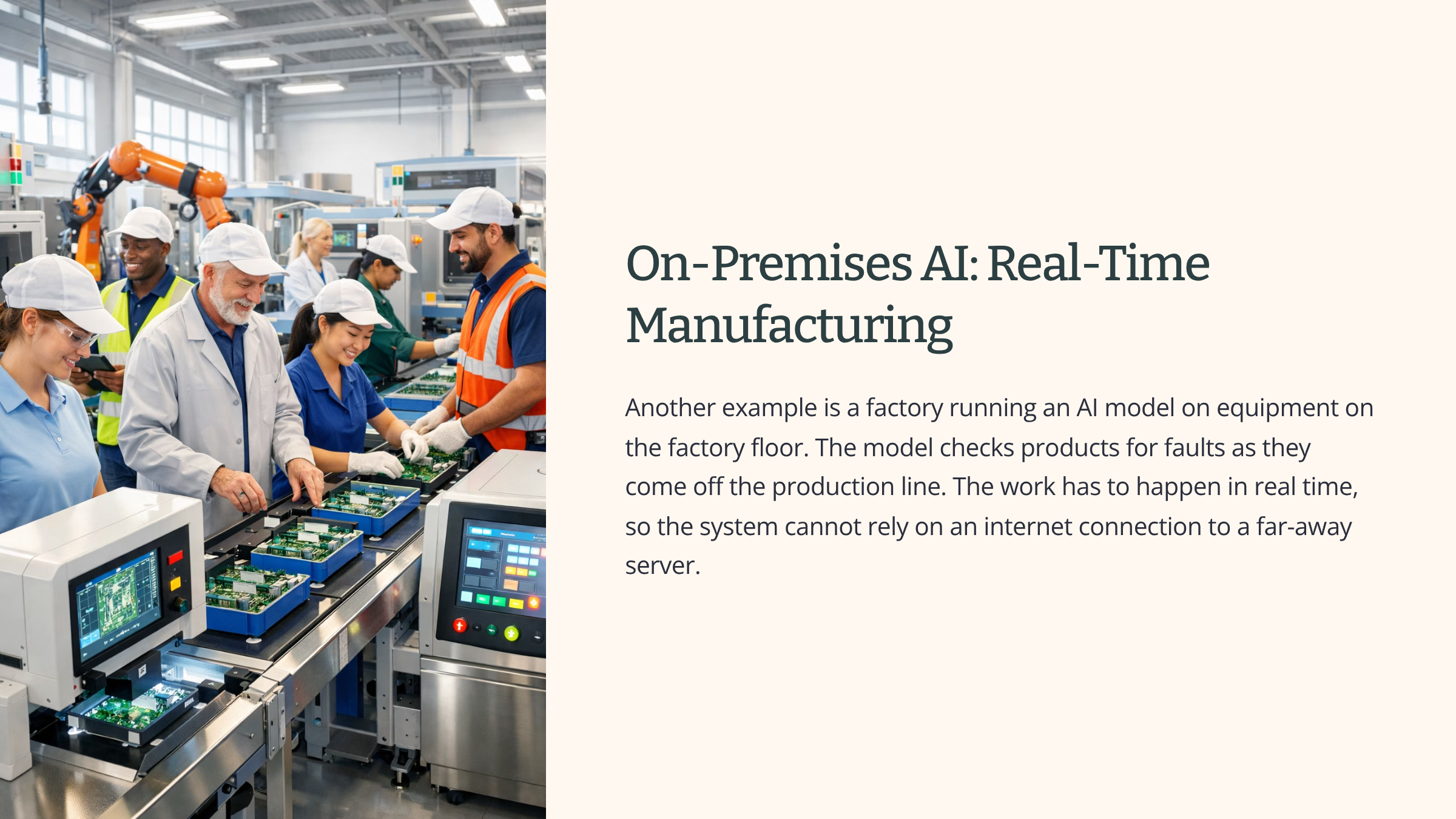
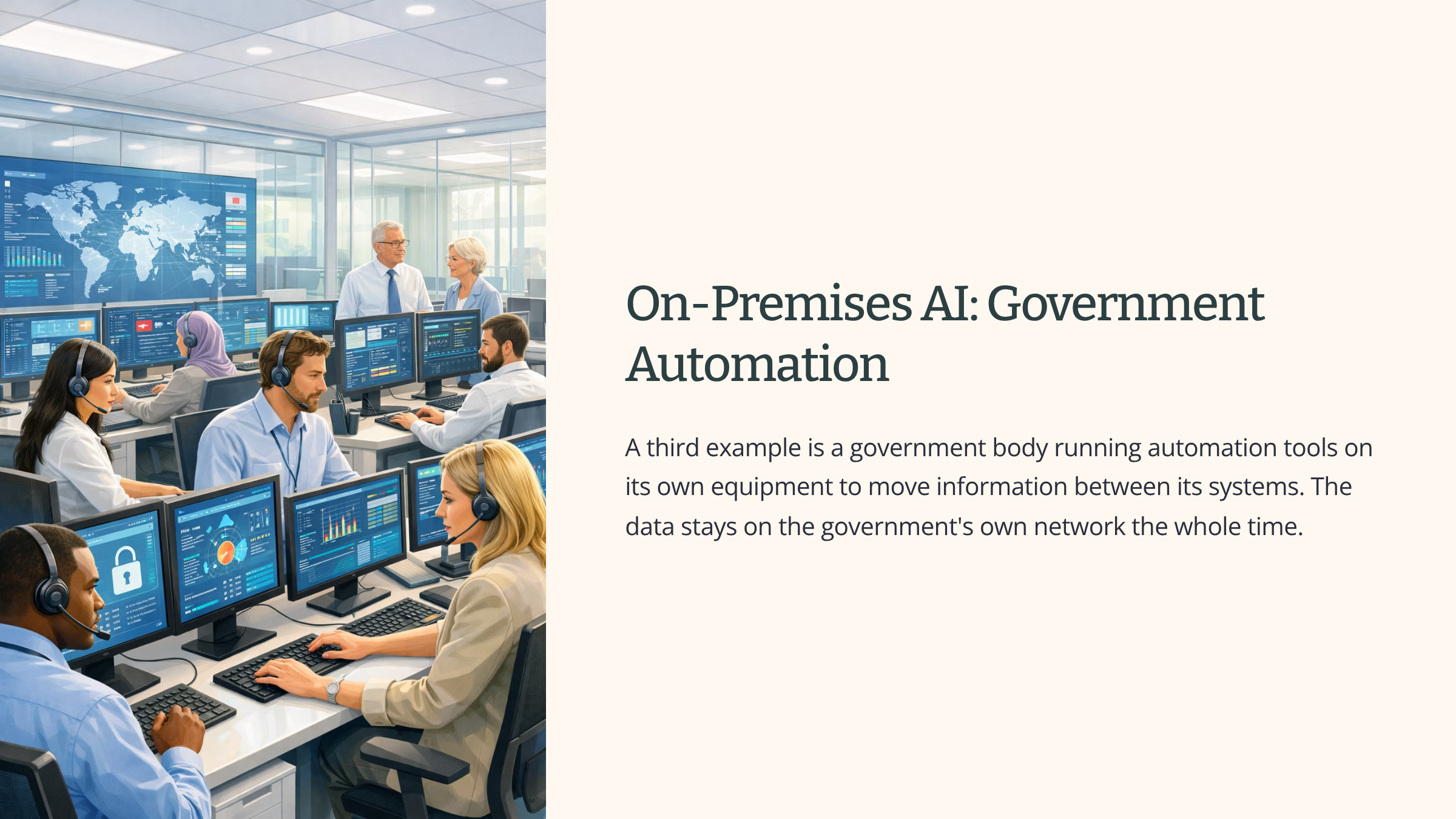
The picture has changed a lot since 2023. On-premise AI used to mean building everything yourself, including the AI model. Today, on-premise usually means taking a model that has been released to the public and running it on your own equipment. The model is public. The setup is private.
What on-premise gives you
On-premise gives you control. The data stays on equipment the organisation owns. No outside provider has access to it.
It also means the organisation does not depend on someone else’s service running for it. If a cloud provider has a fault and goes offline, on-premise systems keep working.
And once the equipment has been bought and set up, the running costs do not jump up just because more people use the tool.
What on-premise takes away
On-premise costs money up front. The organisation has to buy the equipment, set it up, and pay for the people who will look after it.
It also means ongoing work. The hardware needs maintenance. The security needs managing. If something breaks, it is the organisation’s job to fix it.
The organisation needs the right people in-house to run all this. Not every organisation has that. Hiring and keeping those people adds more cost.
And on-premise systems are slower to change. If the organisation wants to upgrade or move to a different model, it usually has to plan, buy new equipment, test, and put the new system into use. That takes time and money.
See it in action
A medium-sized law firm has been asked by its lawyers for an AI tool that can search through the firm’s case archive and answer questions about old cases.
The firm looks at using a public AI service to do this. It quickly decides not to. The case files are covered by legal privilege, which means they are protected by law and cannot be shared outside the people working on the case. Sending them to a public AI service would break that protection.
The firm chooses on-premise instead. It downloads a public AI model and installs it on servers in its own building. The model is set up to search only the firm’s own document archive. Only people on the firm’s own network can use it.
The setup takes several months. The firm has to bring in specialists to install everything, and someone now has the job of looking after the servers and keeping the model up to date.
But the data stays in the building. The case files never leave the firm’s own equipment. The legal privilege is not broken.
This is what on-premise looks like as a real choice. Slower and more expensive to set up, but with the data staying where the organisation needs it to stay.
Cloud-based AI and automation
What cloud means
The cloud means computers that belong to a big technology provider, sitting in their own data centres, that other organisations can rent and use over the internet. The main providers are Microsoft Azure, Amazon Web Services, and Google Cloud. Amazon Web Services is usually shortened to AWS. There are several smaller providers as well.
When an organisation uses cloud AI, the AI software runs on the cloud provider’s computers. The organisation pays for what it uses. The provider looks after the buildings, the network, and most of the security of the system itself. The organisation looks after how it uses the service and what data it sends.
The data sits on the provider’s equipment, not on equipment the organisation owns.
What cloud AI looks like today
This is how most organisations use AI today. Two patterns are very common.
The first is using powerful AI models through a service. A foundation model is a large general-purpose AI model that has been built at huge cost by a company like OpenAI, Anthropic, or Google. Most organisations cannot build one themselves. Instead, they connect to one through the provider’s service. They send a question or a piece of text, and they get a response back. The model itself runs on the provider’s equipment. The organisation never sees it.
The second pattern is running automation tools in the cloud. Microsoft Power Automate runs on Microsoft’s cloud. Zapier runs on its own cloud. Make runs on its own cloud. The flows and rules the organisation builds in these tools live on the provider’s systems and run there.
What cloud gives you
Cloud gives you speed. There is no equipment to buy and no data centre to set up. The organisation signs up, sets things up online, and can be working within hours or days, not months.
It gives you access to the most powerful AI models without having to run them yourself. The provider has done the expensive work of building and running them.
It can grow and shrink easily. If the organisation needs more, it pays for more. If it needs less, it pays for less. The equipment grows and shrinks as needed without the organisation having to buy new hardware.
And the provider looks after the underlying system. The organisation does not need a team to maintain the servers.
What cloud takes away
The data leaves the organisation’s own equipment. It sits on the provider’s. That has to be checked against any rules the organisation works under.
The organisation depends on the provider keeping its service running. When the provider has a fault and the service goes offline, the organisation’s work stops. This has happened to every major cloud provider at some point.
The costs are ongoing. They can also rise quickly if usage grows. A tool that costs a small amount per month for a small team can cost a large amount per month once it is given to hundreds of people.
And the organisation has less control over exactly where the data physically sits. Cloud providers run data centres around the world, and without checking, you do not know which one your data is in.

Where the data sits
When data goes into the cloud, it lives in a building somewhere. That somewhere matters. Different countries have different laws about how personal data can be used and stored. Some types of work, including financial, medical, legal, and government work, have rules about which countries data can be held in.
Cloud providers usually let you choose. For example, you can ask them to keep UK data in UK data centres only. But this has to be set up, written into the contract, and checked. It does not happen by default.
This is what people mean when they talk about data residency. It is the rule about where the data is allowed to physically live.
See it in action
A retail organisation already uses Microsoft 365 across the business. Its staff use Outlook, Word, Excel, and Teams every day. The business has now decided to add AI to the mix.
It does two things.
First, it sets up Power Automate to take customer orders that come in through its website and copy them straight into the customer database. The flow runs on Microsoft’s cloud. The orders pass through Microsoft’s systems on the way.
Second, it turns on Copilot across its Microsoft 365. Copilot is Microsoft’s built-in AI assistant. Staff can now ask Copilot to draft emails, write up notes from meetings, summarise long documents, and pull together first drafts of reports.
The setup takes weeks, not months. The business is using AI right across the company much faster than would have been possible with on-premise.
But the picture is now different.
The customer orders pass through Microsoft’s cloud. The drafts staff are writing pass through Microsoft’s cloud. The meeting notes Copilot writes were generated from recordings of the meetings, also on Microsoft’s cloud.
Microsoft has rules for how it handles all of this, and the business has agreed to those rules in its contract. The business has chosen to keep the data in UK data centres. But the work is now sitting on Microsoft’s equipment, not the business’s own.
When Microsoft has a service problem, and at some point Microsoft will, the business’s staff cannot use Copilot until it comes back. When Microsoft changes how Copilot works, the business has to accept those changes and carry on.
This is what cloud AI looks like in real working life. Fast to start, powerful tools available straight away, and a real dependency on Microsoft running everything in the background.
Third-party AI and automation services
What third-party means
Third-party means a different company has built a finished AI product and runs it for everyone who pays for it. Your organisation does not run the software anywhere. It does not run on your own equipment, and it does not run on cloud you have rented. It just uses what the company is offering.
The company that made the product handles everything to do with the AI. It builds the product. It runs it on its own equipment, or on cloud it has rented from a big provider. It looks after updates and improvements. It sets the rules for how the product can be used.
The organisation that signs up is a customer using a finished service.
This is the most common way AI shows up in organisations today. The other two are much less common.
Three kinds of third-party AI
There are three kinds you will see most often. They look different on the surface, but they all share the same shape. Your organisation is using something a different company built and runs.
AI added to tools you already use
AI added to tools you already use
The first kind is software you pay to use, with AI features inside it. This kind of software is called SaaS. SaaS stands for software as a service. It means a finished product you sign up to and use online, paying a subscription rather than buying a copy.
Examples are everywhere. Gamma is a SaaS product for making presentations, with AI that drafts the slides for you. Notion is a note-taking and project tool, with Notion AI built in to write and summarise. HubSpot helps marketing teams, and now has AI features for writing and analysing campaigns. Zendesk runs customer support, and has AI for drafting replies and routing queries.
Your organisation pays for the product. The AI is part of the product. You do not see or set up the AI model that sits behind it.
AI added to tools you already use
AI added to tools you already use
The second kind is AI features added to tools the organisation is already using. Microsoft Copilot is the biggest example. It adds AI to Word, Excel, Outlook, Teams, and the rest of Microsoft 365. Google Workspace does something similar with its Gemini features in Docs, Gmail, and Sheets. Zoom now has AI that writes summaries of meetings.
The line between this kind and the kind above is not always clear. From your point of view they work the same way. You are paying a company for a product, and the AI is something they have built into it.
Specialist AI services from suppliers
Specialist AI services from suppliers
The third kind is when a specialist supplier builds an AI service for the organisation, runs it for them, and delivers the results. Some consultancies work this way. Some smaller AI suppliers sit between the organisation and a foundation model from one of the big providers, wrapping it up in a more specialist service. Some AI suppliers focus on one industry, such as legal, medical, or financial work, and offer a service tuned for that area.
What third-party gives you
Third-party gives you a working product almost straight away. There is nothing to set up. Nothing to build. The supplier has already done it.
It gives you specialist capability without having to build that capability in-house. A small organisation can use AI tools that would have taken a much bigger organisation years to develop on its own.
The supplier handles improvements and updates. New features arrive in the product without your organisation having to do anything.
And the costs are predictable. Most of these products are sold by subscription, charged per user or per amount used.
What third-party takes away
Your organisation is using the supplier’s tool, the supplier’s way. It cannot change what the tool does or does not do. If the tool does ninety per cent of what the organisation needs, and is missing the last ten per cent, that ten per cent is missing.
The organisation depends on the supplier staying in business and staying interested. If the supplier shuts down, raises prices, changes direction, or removes a feature, the organisation has to react.
The supplier’s rules become the organisation’s rules.
Those rules cover:
- how the supplier handles the data
- what security standards it works to
- what countries its data centres are in
The organisation accepts those choices when it signs up.
And there is limited visibility into what the AI inside the product is actually doing. If something goes wrong, it is not always clear why.
The risk of being stuck
There is one risk worth picking out on its own.
When an organisation builds its work around a third-party tool, moving away later becomes difficult. The data ends up in the tool’s format. Processes get built around the tool’s quirks. Staff get trained on the tool’s interface. Switching to a different tool means moving the data, redoing the processes, and retraining people.
This is sometimes called lock-in. It means being tied to a supplier because moving away has become too expensive or too disruptive. The supplier knows lock-in is a real thing, and it changes the balance of the relationship over time. The longer the organisation uses the tool, the harder it is to leave, and the less negotiating room there is.
See it in action
A small professional services firm has been using a specialist AI tool for legal research for two years. The tool is a SaaS product made by a specialist supplier in the legal AI market.
When the firm first signed up, the tool was a useful add-on. People used it sometimes, alongside the way they had always done research.
Two years later the picture is different. The tool is now part of how the firm works. New staff are trained on it from their first week. Junior staff use it as their starting point on every research question they get. Senior staff have built ways of working that depend on what the tool produces. The firm’s pricing for some kinds of work is based on the tool making the research faster.
Recently the supplier announced a price rise. The supplier also moved to a new pricing model that charges for each search rather than charging for each user. For the firm, this means a much bigger bill.
The firm looks at moving to a competitor. It quickly works out that the move would be very disruptive. The data the firm has put into the tool is in the tool’s own format. The workflows would all have to be rebuilt. Staff would have to be retrained. And some of the firm’s commitments to clients depend on having a working research tool right now, not after a six-month move.
The firm decides to accept the new pricing.
This is what depending on a third-party tool looks like in real working life. The speed and the capability come straight away. The downside builds up slowly, often without anyone noticing, until the day a supplier change makes it visible.
How the three compare
You now have a picture of each option on its own. The next step is to put them next to each other.
Each one gives you something the others do not. Each one takes something away that the others keep. Choosing where AI lives is always about which trade-offs you can accept.
Where Data Sits
Where the data sits
On-premise keeps the data on equipment the organisation owns. Nothing leaves.
Cloud sends the data to a provider. The organisation can usually set rules about which country the data sits in, but the equipment is the provider’s.
Third-party sends the data to a supplier. It sits inside the supplier’s setup, and how it is handled is up to the supplier.
Costs
What it costs
On-premise costs a lot to set up. After that, the running cost is steadier.
Cloud costs nothing to set up. The bills come in as the work happens, and they go up if usage goes up.
Third-party usually has a subscription cost. The bill grows with the number of users or the amount of work.
Speed
How fast you can start
On-premise is the slowest. It can take months from the decision to a working system.
Cloud is fast if the organisation already uses the provider. Power Automate inside an existing Microsoft setup can be working in days.
Third-party is the fastest of the three. Subscribe and start.
Customise
How much you can change
On-premise gives the organisation the most say in what the system does. The organisation chose the model and set it up.
Cloud is in the middle. The provider runs the underlying system, but what the organisation builds on it is its own.
Third-party gives the organisation the least say. The product is what the supplier has built. You use it the way it has been made.
Dependent
What you depend on
On-premise depends on the organisation having the people to keep the system running.
Cloud depends on the provider staying online and not raising prices too far.
Third-party depends on the supplier staying in business and keeping the product in a direction that still works for the organisation.
Most organisations use a mix
In real working life, most organisations end up with all three at the same time. There is rarely one right answer for everything.
Some work sits on-premise because the data is too sensitive to move. Some work sits in the cloud because that is where the rest of the organisation’s tools already are. And much of the work happens through third-party tools because those are the easiest and fastest to bring in.
This mix is not a sign of bad planning. It is what happens when an organisation makes sensible choices for each piece of work.
See it in action
A medium-sized recruitment business has AI in three different places at once.
Some of its automation runs on-premise. The business has an old database that holds twenty years of candidate records. Moving it to the cloud would be expensive and risky, so the integrations between this database and other systems run on a server in the office.
Most of its day-to-day work sits in the cloud. The business uses Microsoft 365 across the whole company. Power Automate handles approvals and routine tasks. Copilot drafts emails and writes up meeting notes. All of this runs on Microsoft’s cloud.
Its specialist work is third-party. The business uses a recruitment AI tool that scores candidates against job descriptions. This is a SaaS product from a recruitment AI supplier. The marketing team uses Gamma to put together pitch decks, which is another SaaS product.
So at any given moment, the business’s AI work is split across three places. The on-premise integrations keep the old database talking to everything else. The Microsoft cloud handles the everyday work. The third-party tools cover the specialist jobs.
This is the normal picture in real working life today. Not a clean diagram, but a working setup made up of choices about where each piece of work makes sense.
Summary
AI and automation tools always live somewhere. They run on equipment your organisation owns, on equipment rented from a cloud provider, or inside a product made by another company.
Each option works differently. On-premise keeps the data close and gives the most control, but takes time, money, and people to set up. Cloud is fast and flexible but means the data goes to the provider, and the organisation depends on that provider keeping its service running. Third-party is the fastest way to get useful AI, but the organisation is using someone else’s product on someone else’s terms, with the lock-in risk that builds up over time.
Most organisations end up using all three. That is normal. What matters is being able to tell what kind of setup any AI tool is using, and what that means for your organisation.