What AI And Automation Tools Are
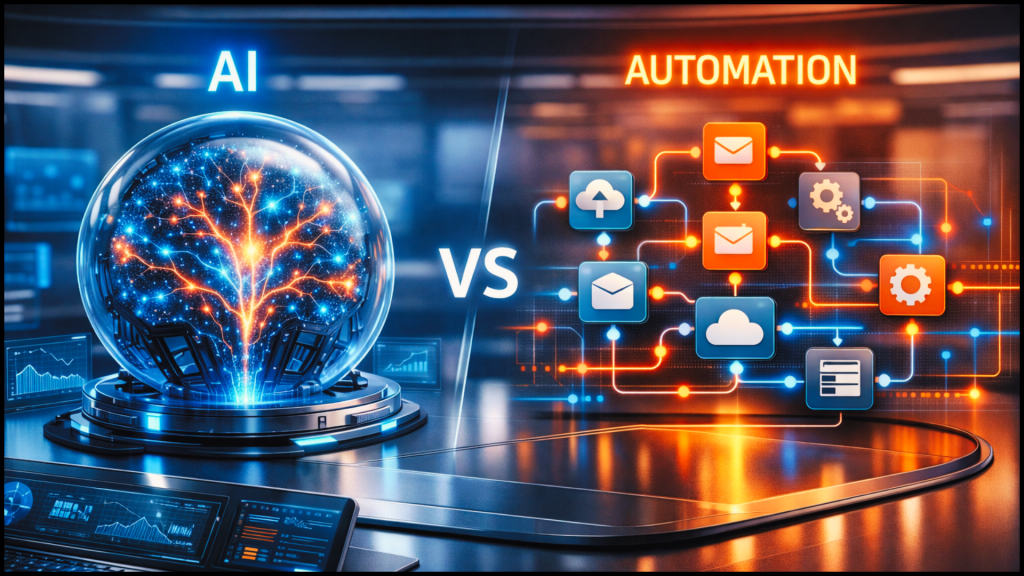
Putting AI and automation into a workplace starts with knowing what you are actually putting in. The two are not the same type of tool. They work differently, fit different jobs, and fail in different ways. Choosing the wrong one for a task, or trusting the right one past the point it can be trusted, is how these projects go wrong. Being able to tell the two apart and see their risks clearly is the foundation everything else in this work is built on.
In this section you will learn:
- How to tell an AI tool apart from an automation tool when you meet one at work
- How to explain in plain terms how each type actually works
- How to recognise what each type is well suited to, and what each type is a poor fit for
- How to identify the main risks that come from how AI tools work
- How to identify the main risks that come from how automation tools work
AI tools and automation tools are different things
When people talk about “AI and automation” they often treat it as one thing. It’s not. You will meet two separate types of tool in your role, and the difference between them matters.
AI tools
AI tools recognise patterns in information and produce outputs based on those patterns. AI stands for artificial intelligence. You put something in, and the tool gives you something back that fits what it has learned.
Some AI tools are general purpose. They can be used for almost any task. These are often called general-purpose AI assistants, and the best known are:
- ChatGPT from OpenAI
- Claude from Anthropic
- Gemini from Google
- Copilot from Microsoft
You can type a question, paste in some text, or describe a task, and the tool will produce an answer.
Other AI tools are built into software people already use. This is sometimes called embedded AI, because the AI sits inside another product rather than standing on its own.
Microsoft 365 has Copilot features inside Word, Excel, Outlook, and Teams. Outlook can draft or reply to emails. Excel can help write formulas. Teams can produce a summary of a meeting. Some search engines show AI-generated answers at the top of the results. These are all AI tools, just packaged inside other products.
There are also AI tools built for specific jobs. GitHub Copilot is an AI tool made to help people write software. It sits inside the software someone is working on and suggests code as they type.
Automation tools
Automation tools do something different. They follow rules that a person has set up in advance. The rule says when this happens, do that.
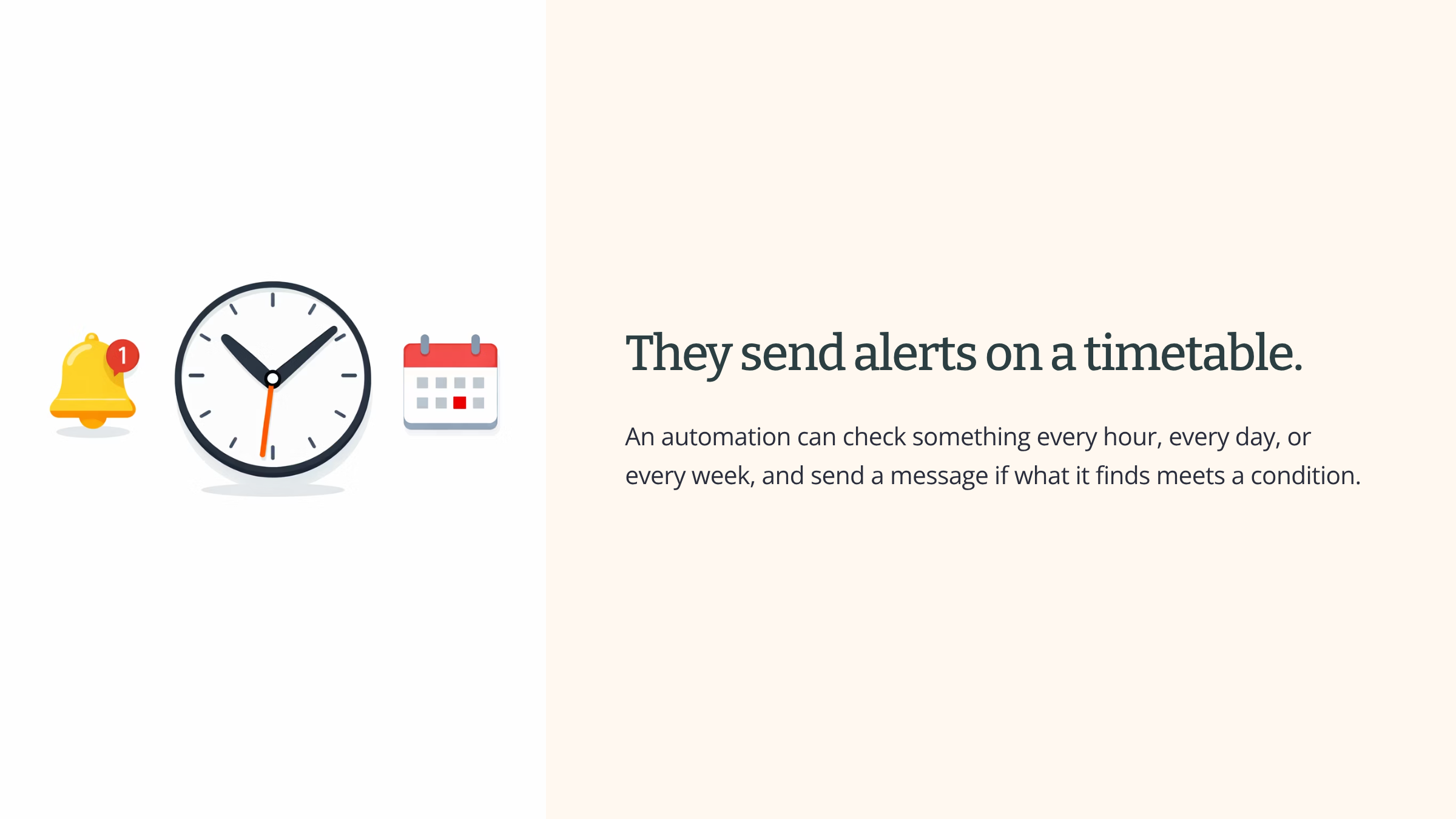
The best-known automation tools are Zapier, Make, and Power Automate from Microsoft. These are sometimes called workflow tools, because they move work between apps. A new form response arrives in one system, and the tool copies the answers into another. A new row is added to a spreadsheet, and the tool sends an email. A ticket sits with no reply for four hours, and the tool sends an alert to a team leader.
Why the split matters
AI tools and automation tools are not the same thing. They work in different ways. They fit different jobs. They go wrong for different reasons. Knowing which type a tool belongs to is the first step in working with them sensibly. The rest of this section builds on that split.
See it in action
Imagine a normal working week in an office. Watch where the two types show up.
On Monday morning, a team leader prepares for a meeting. She opens Microsoft Teams and sees that a summary of last week’s session has already been produced. That summary came from an AI tool.
An hour later, a sales colleague receives a new enquiry through a website form. The details are copied into the customer system without anyone typing them in. That is an automation tool in Power Automate.
At lunchtime, a member of the marketing team pastes a long article into Claude and asks for a shorter version to share with clients. That is an AI tool.
In the afternoon, a finance assistant receives an alert saying an unpaid invoice has been sitting in the queue too long. Nobody sent the alert by hand. An automation tool checked the date and sent it.
On Friday, a software developer accepts a code suggestion from GitHub Copilot while working on a new feature. That is an AI tool built into the developer’s software.
Five uses. One office. One week. Two separate types of tool doing two separate kinds of work.
How AI tools actually work
AI tools look clever from the outside. They produce fluent, confident-sounding answers. That fluency hides how they actually work, and how they actually work is what you need to understand.
Trained on patterns
An AI tool has been trained on a very large amount of material. During training, the tool is shown huge quantities of text, pictures, code, and other information, and it learns the patterns inside that material. Which words tend to follow which words. Which shape of answer tends to follow which shape of question. What a good reply to a complaint usually looks like. What a piece of working code tends to look like.
The tool does not keep all of that material as a library to look things up in. It keeps the patterns.
What happens when you ask it something
When you type a question into an AI tool, the tool does not look up an answer. It does not check anything against the real world. It produces an output that fits the patterns it learned during training. This is sometimes called pattern-based output, because the output comes from matching patterns, not from finding facts.
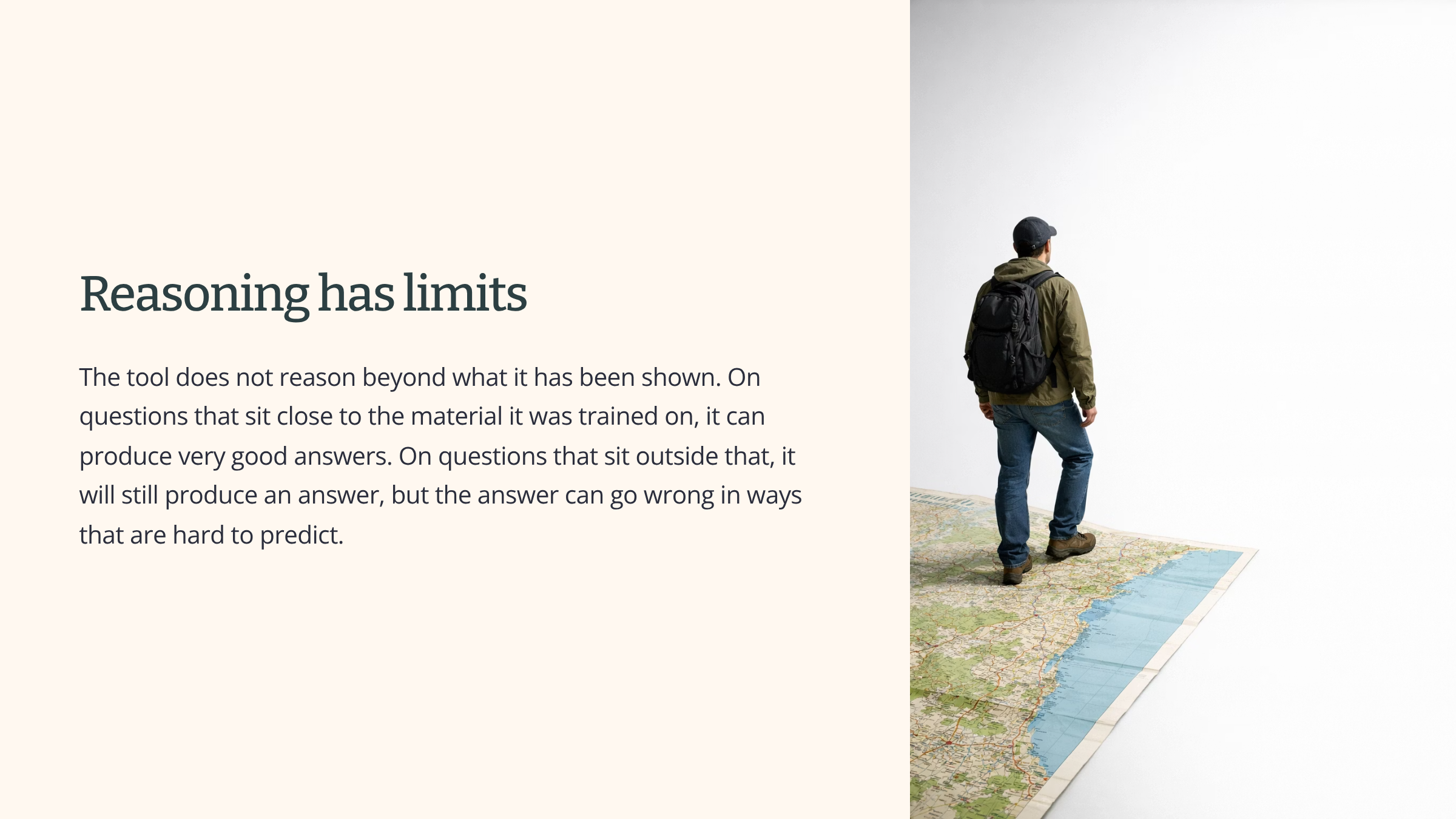
If your question fits a shape the tool has seen many times, the output will usually be close to what a good answer looks like. If your question is unusual, or the topic is something the tool has not seen much of, the output will still be produced, but there is no promise it reflects anything real.
What modern AI tools also do
The four points above describe how the pattern-based part of an AI tool works. Most tools you meet today can do more than that. The extra things matter for what the tool can do. They do not change how the pattern-based part works.
The most common extra is retrieval-based answering. The tool searches the web as it answers. It reads what it finds. It produces a reply based on both the patterns it learned during training and the pages it just read. This is how Perplexity works by default. ChatGPT with browsing, Claude with web search, Gemini, and Copilot all work this way too when the feature is turned on. Most show the sources they used, so you can check them.
Many AI tools can also read files you give them. Upload a PDF, a spreadsheet, or a set of meeting notes, and the tool will work from the actual content of those files rather than from what it remembers about documents of that kind.
Some AI tools can use other systems as they work. They can run a calculation, look something up in a database, or call another piece of software. This is sometimes called tool use.
These additions help, often a lot. They do not change how the pattern-based part works. A tool that has just read a real web page can still produce a wrong summary of it. A tool that fetched a real document can still make up details when what it found runs out. The tool still does not check its own output against reality. It just has more real material to work from. The job of verifying the output is still yours.
See it in action
Someone in a legal team is preparing a short note and asks an AI tool for an example of a court case that supports a particular argument. The tool is running without web access. It returns a perfectly formatted case reference with a court, a year, a judge’s name, and a short description of the decision.
It looks exactly like a real legal citation. The formatting is right. The language is right. The case does not exist.
The tool has not lied. It has matched the shape of the question against the patterns it learned during training, and produced the shape of an answer that usually follows that shape of question. A legal citation is a clear, recognisable pattern, so the output looks completely believable. The tool has no way of checking whether the case it described was ever decided.
What the person sees is a fluent, confident, authoritative-looking answer. What the tool has actually produced is text that matches the pattern of a legal citation. Those are two different things, and the person in front of the screen cannot tell the difference by looking. Fluent text is not the same as correct text.
How automation tools actually work
Automation tools work in a completely different way from AI tools. There is no training. There is no learning. There is no pattern matching. A person writes a rule, and the tool carries out that rule every time the rule’s conditions are met. This way of working is sometimes called rule-based automation.
Rules a person sets up
An automation tool does not decide anything. A person decides what the rule should be, sets it up in the tool, and the tool does that from then on.
A rule might be something like this. When a new response comes into this form, copy the answers into the customer database and send a confirmation email to the person who filled it in. When a new row is added to this spreadsheet, forward it to the finance team. When a ticket has been sitting with no reply for four hours, send an alert to the team leader.
The person sets it up once. The tool then runs the rule without stopping and without interpretation. Every new form response. Every new row. Every four-hour wait. The rule fires. The action happens.
What this means in practice
This way of working produces three things you need to know.
The tool does exactly what the rule says. That is a real strength when the rule is right. A Zapier flow set up to copy new form responses into a spreadsheet will do that correctly every single time, at three in the morning or on Christmas Day, without forgetting. It is also the tool’s main weakness. If the rule is wrong or no longer fits the situation, the tool will still do exactly what it was told, just as reliably as before.
The tool is dependable when the inputs are the same shape every time. Automation works well when the thing coming in looks like the thing it came in last time. The same form, with the same fields, filled in the same way. The tool can process thousands of those without a slip.
The tool cannot tell when something has changed around it. An automation runs because its conditions have been met, not because the situation still makes sense. The business may have moved on. The old rule may be firing on the wrong things. An input that used to be normal may now be a problem. The tool does not know. It keeps running. From the outside, everything looks the same. Inside the work, problems can be building up that nobody is watching for. This is called silent failure, and it is one of the most common ways automation goes wrong over time.
What each type is good at, and what each is not
AI tools and automation tools have different strengths. They also fail in different ways. If you use an AI tool for a job that suits an automation tool, or the other way round, the result is usually poor. Knowing what each type fits, and what each type does not fit, is the difference between using these tools well and wasting your time with them.
Where AI tools do well
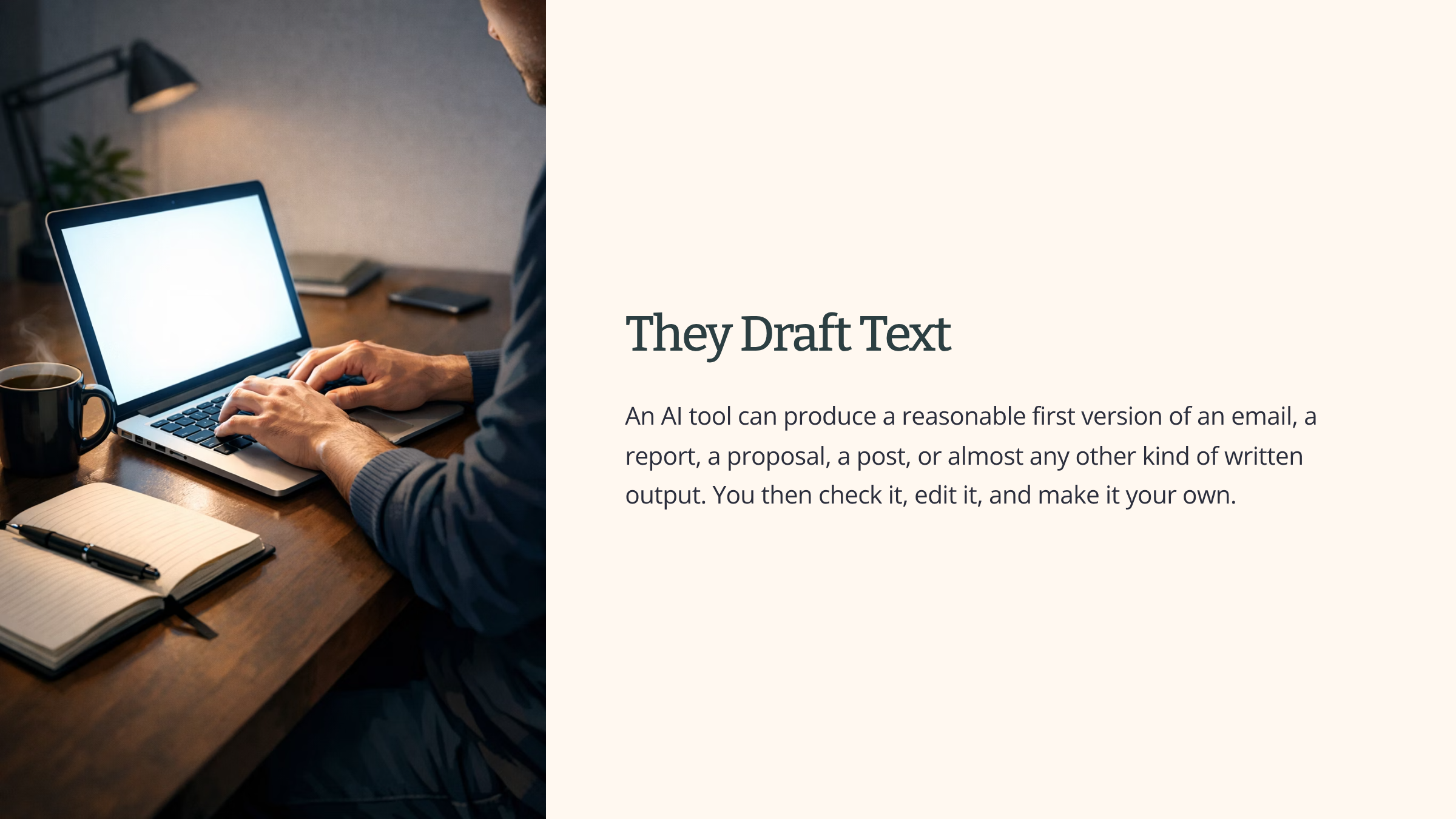
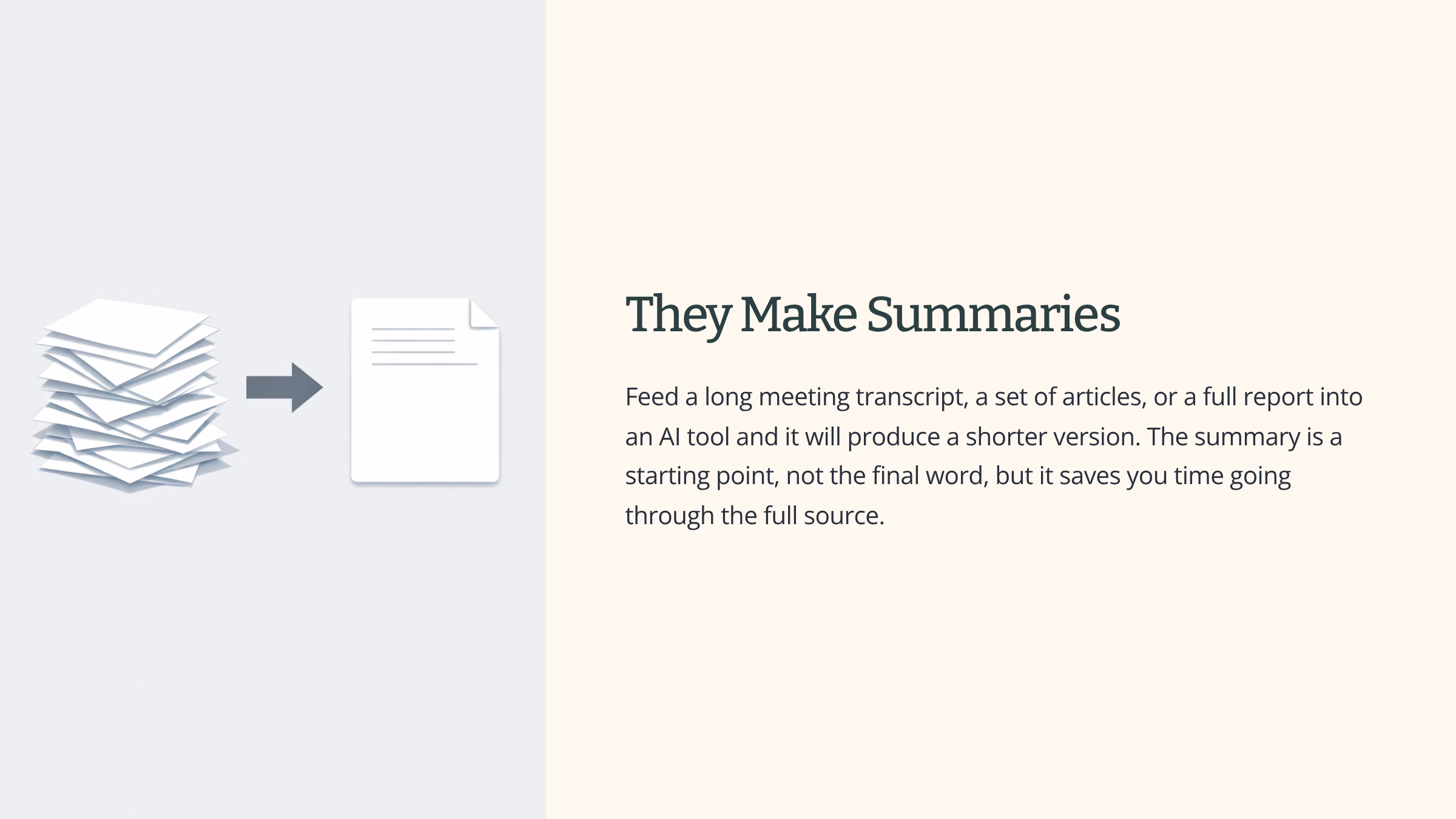
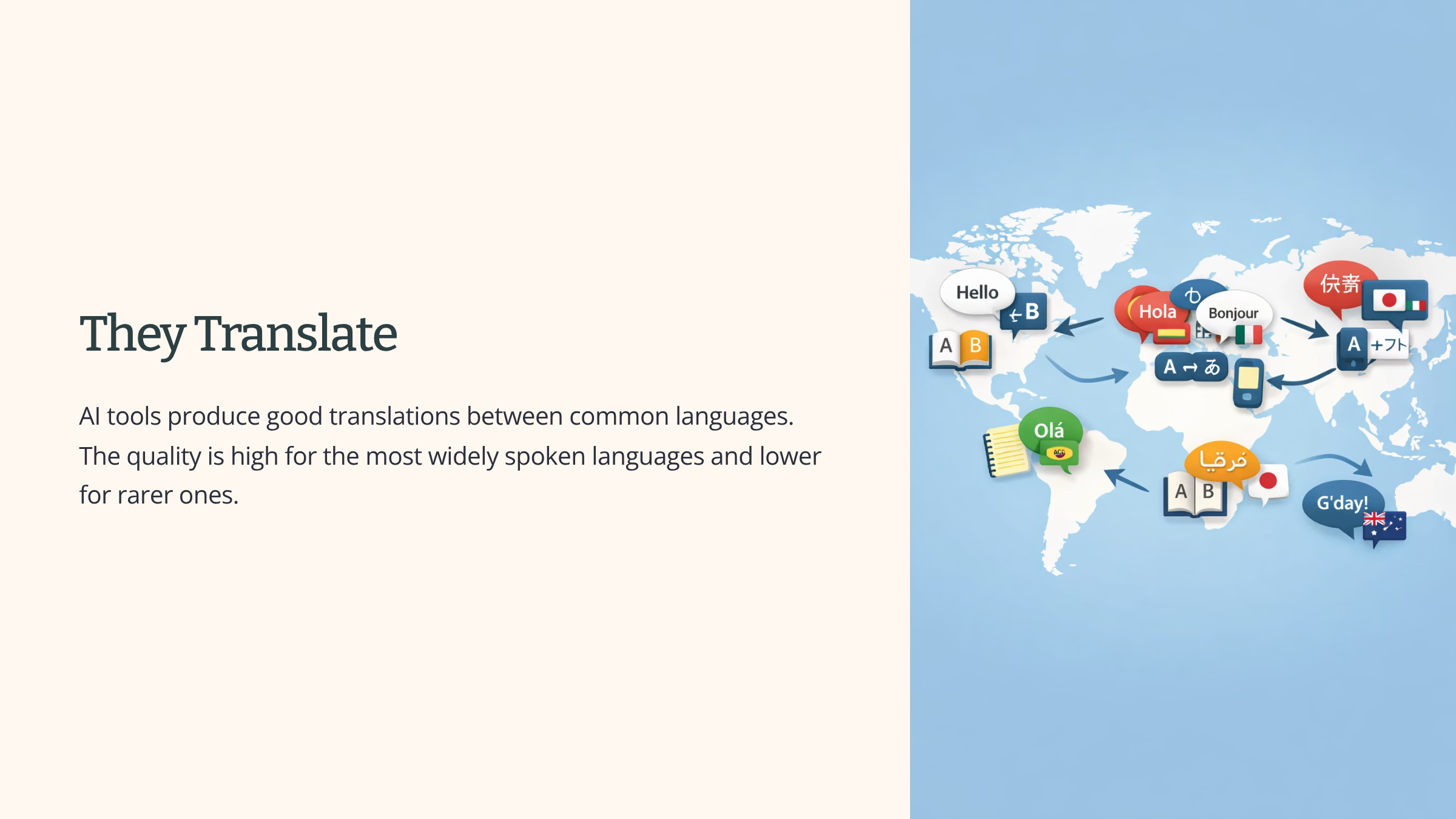
AI tools are strong on work where you want fluent text, structure pulled out of mess, or quick ideas.
Where AI tools do badly
AI tools are a poor fit for work that needs verified facts, exact answers, or real judgement.
They still need you to check, even when they fetch live data. Many AI tools now look things up on the web while they answer. That covers current facts like today’s stock price, last night’s football score, or this morning’s news. It does not mean the answer is right. The tool can misread what it fetched, summarise a page inaccurately, or quote a number from the wrong context. For any fact that matters, open the source yourself.
They should not be used when the answer has to be traceably correct. If you need a fact that you will quote in a document someone else acts on, the AI tool is not a source. It produces answers that look right. You need the original source behind them.
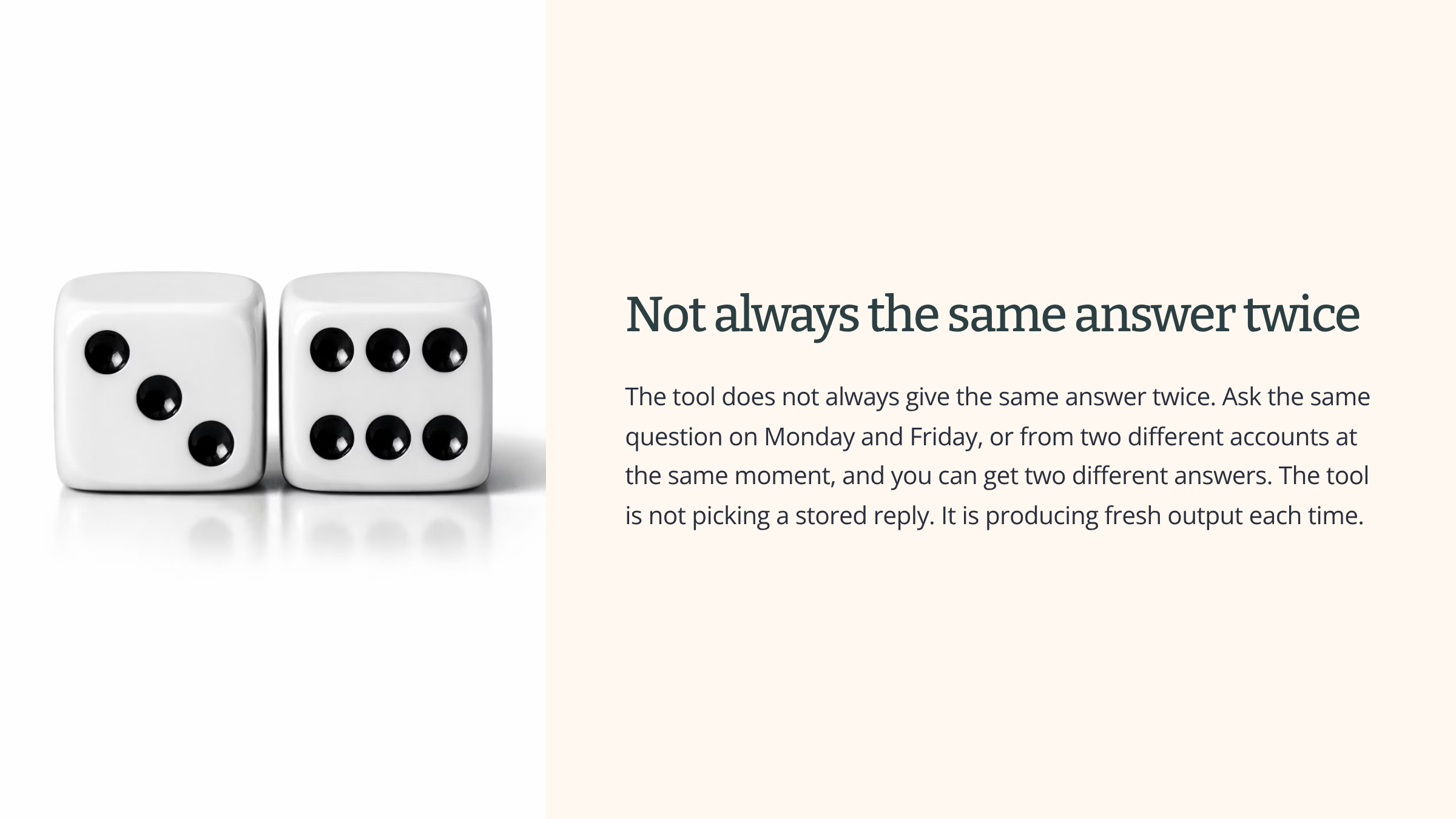
They are not dependable when you need the same answer every time. If two people in your team ask the same question on the same day, they can get two different replies. That is fine when you want options. It is a problem when you need the same message going to every customer.
They should not be used to make judgement calls with real consequences. A decision about whether to make a customer refund, whether to hire someone, or whether to raise a safety concern is not something to hand to an AI tool. The tool produces fluent answers without any sense of what is at stake.
Where automation tools do well
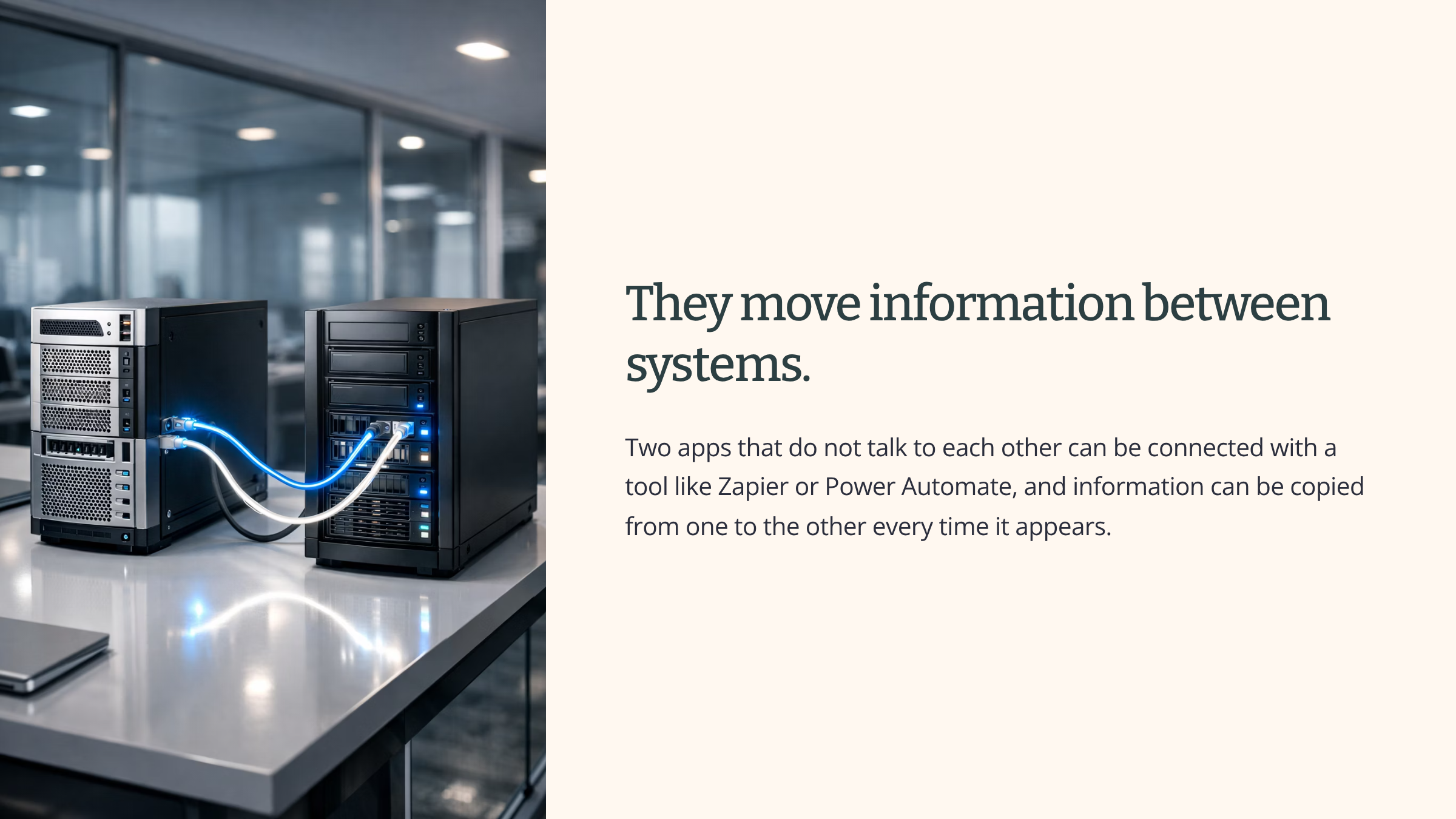
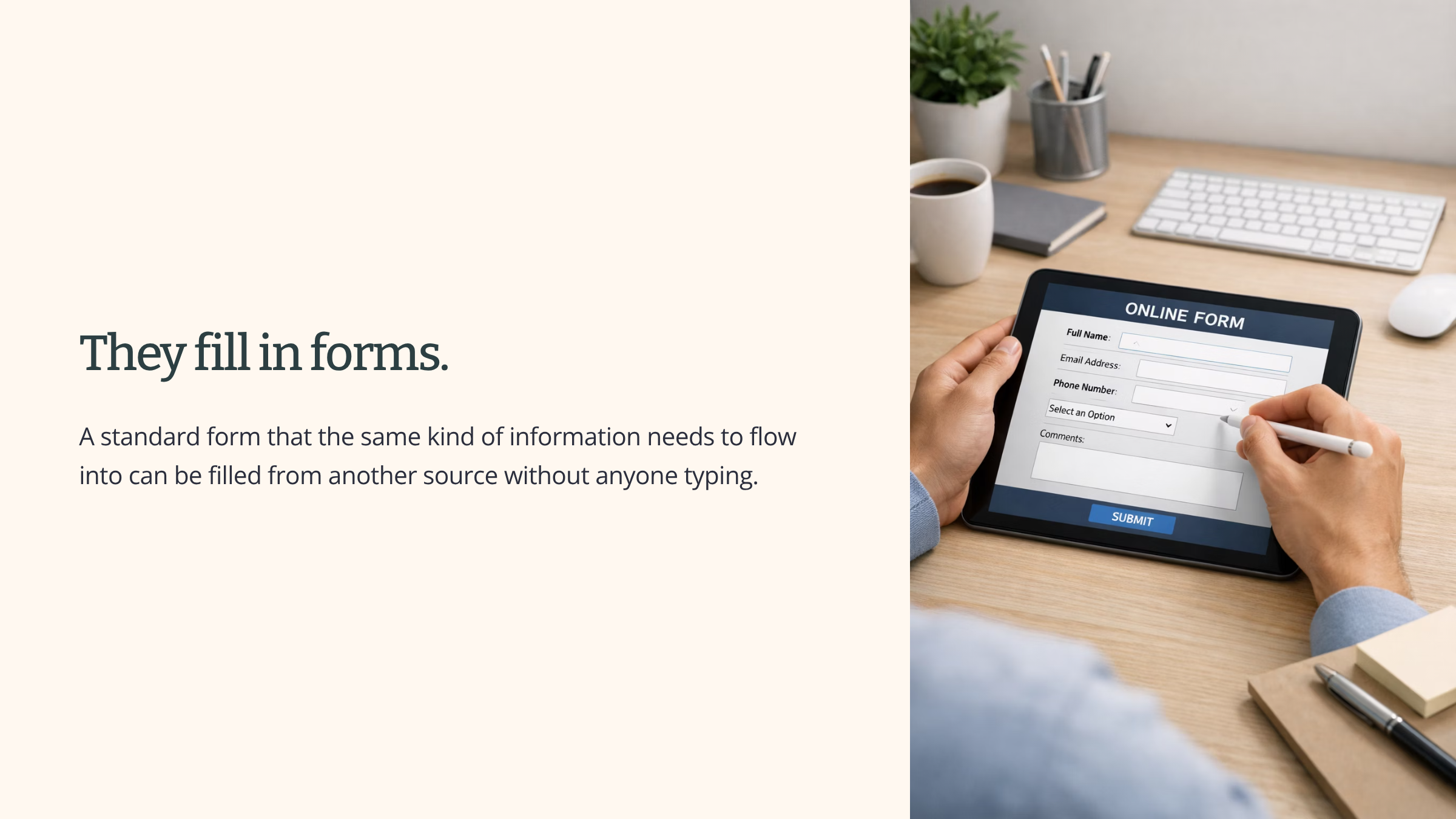
Automation tools are strong on repeat work that has a clear trigger, a clear action, and consistent inputs.
Where automation tools do badly
Automation tools are a poor fit for work that needs interpretation, context, or change.
They cannot deal with messy inputs. An automation set up to process a standard form will stop working correctly the moment people start filling the form in differently. The tool cannot guess what someone meant.
They cannot handle tasks where the right action depends on context the rule cannot see. A rule that flags every order above fifty thousand pounds will flag every one of them. It cannot know that one of those large orders was placed by your biggest customer at the end of a long negotiation and does not need flagging.
They cannot adapt when the situation changes. An automation keeps doing the same thing as the world around it moves on. What made sense when the rule was set up may no longer fit. The tool has no way of noticing.
See it in action
Two scenes, a couple of days apart.
The first scene is an AI tool doing what it is good at. A team leader has just come out of a ninety-minute project meeting. There is a recording and an auto-generated transcript of twelve thousand words. Writing up a summary by hand would take an hour. Instead, the team leader pastes the transcript into Claude and asks for a short summary with the main decisions and an action list for each person. The summary comes back in about twenty seconds. A couple of names the transcript misheard are corrected, and the summary goes out to the team. The tool has turned a long stream of spoken words into a tidy written summary. That is the kind of work AI tools are built for.
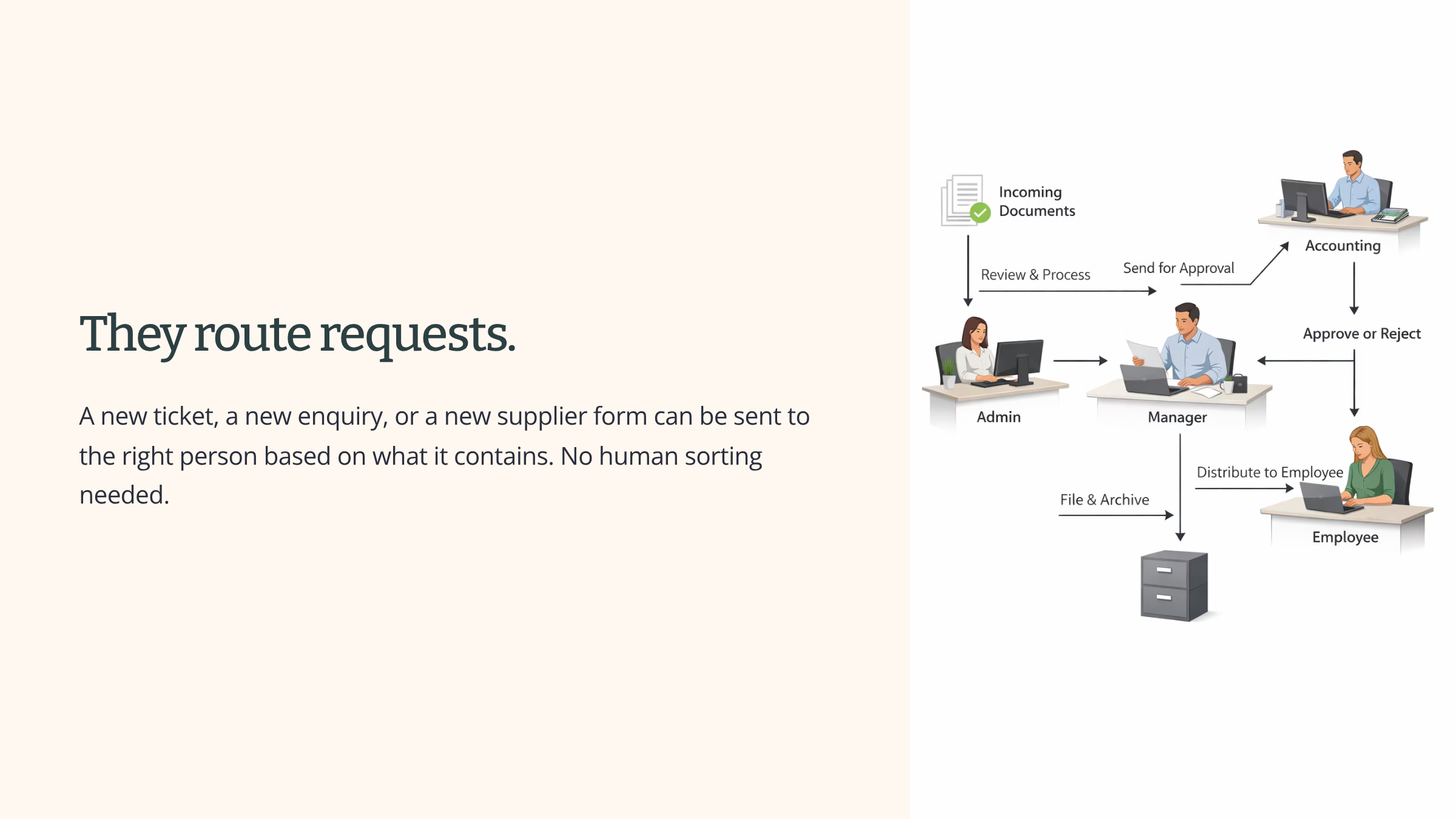
The second scene is an automation tool doing what it is good at. A procurement team receives about thirty new supplier forms every month. Each form has a category field. A supplier who provides stationery goes to one manager for approval. A supplier who provides IT services goes to another. A supplier who provides legal work goes to a third. Without automation, someone would spend an hour each week sorting and forwarding. With Power Automate, the forms arrive and get sent to the right approver within seconds, every time, exactly the same way. The work is routine and rule-based. That is the kind of work automation tools are built for.
Risks that come from the tools themselves
These tools bring their own risks, built into how they work. They are not ethical risks, legal risks, or questions about fairness. Those matter and belong in other sections. If you know these risks exist, you can watch for them. If you do not, they will cause problems before you spot them.
There are five risks you need to know.
Hallucination
Hallucination
An AI tool can produce a confident, well-formatted, perfectly fluent answer that is simply wrong. The tool has no way of checking what it produces against reality. It produces text that fits the pattern of the question. When the pattern is clear and the tool has nothing real to draw on, it fills the gap with something that looks right.
When someone asks an AI tool for a legal case citation to support an argument, the tool can produce a citation that reads like a real legal reference. Court, year, judge, short summary. Every detail in the right place. The case does not exist. The tool has not lied. It has produced the shape of a legal citation because that is what was asked for.
Retrieval-based answering reduces this risk. If the tool has fetched a real page and is writing from it, the output is less likely to be fully invented. It does not remove the risk. The tool can still misread the page, combine two paragraphs into one that nobody wrote, or cite a fact from the wrong place. Always check any citation, number, or specific claim against the source the tool linked to.
Fluent text is not the same as correct text. If you cannot check what the tool gave you against a source you trust, you do not yet know whether what you have is real.
Answers
Different answers to the same question
An AI tool does not always produce the same answer twice. The same question from two different people, or the same question from the same person at different times of day, can produce two different answers.
If a team tries to standardise a customer response by running it through an AI tool, three colleagues asking the same tool to write the same message will receive three different drafts. That is fine if different drafts are what you want. It is a problem if the same message needs to reach every customer.
Data
Data going somewhere
Anything you type, paste, or upload into an AI tool may be stored by the company that runs the tool. It may be processed on their servers. In some cases it may be used to improve future versions of the tool. That is a property of how these tools are built. It is not a compliance detail.
If a member of staff pastes a confidential document into a public AI tool to get a summary, that document has just left the organisation’s control. The staff member may not realise. The tool produced a useful summary and the work moved on. The information is now somewhere else as well.
Silent Failure
Silent failure in automation
An automation tool keeps running exactly as designed for as long as its conditions keep firing, even when the situation the rule was built for has shifted. Nothing breaks. No alert appears. The outputs look normal, and everyone assumes the rule is doing its job.
A Zapier flow set up two years ago to flag any order above ten thousand pounds made sense at the time. Orders that size were rare and needed a second check. Two years later, orders that size are routine. The flag still fires, many times a day now, and nobody acts on it because it has stopped meaning anything. The flow is working perfectly. The purpose of the flow has quietly stopped working.
Brittleness
Brittleness in automation
An automation breaks when the shape of its inputs changes. A new column added to a spreadsheet. A field renamed on a form. A small change to how a system labels its outputs. The rule was set up against the old shape, and it does not know what to do with the new one.
A Power Automate flow set up to copy a form’s responses into a database was working without issue. The form was updated, and one field was renamed from “Department” to “Team”. The flow kept running but stopped copying that field over. It took two weeks before anyone noticed, and by then a lot of records were missing a piece of information.
Brittleness is particularly hard to spot because automation usually does not announce that something has changed. Sometimes it stops working loudly. Sometimes it carries on producing outputs that look right but are wrong in small ways.
See it in action
Someone in a customer service team is dealing with a difficult complaint. The customer has sent a long, detailed email with specific references to an order, a delivery date, and an earlier phone call. To draft a reply quickly, the assistant opens a general-purpose AI tool in a web browser and pastes the customer’s email into the chat. The order history and delivery record from the internal system go in too, because the context is needed for a proper reply.
The reply comes back fluent, polite, and well-structured. The first two paragraphs are a clear acknowledgement of the issue. The third paragraph names a specific department and a specific manager who will take the customer’s case forward. Those details are made up. The department exists, but nobody there has any knowledge of this case. The manager named does not work in that role.
The assistant sends the reply. Two things have just happened in the same piece of work.
First, an AI tool has produced a confident, authoritative-looking output that contains details made up from the pattern rather than from reality. That is the hallucination risk, sitting in the final email.
Second, three pieces of information have been pasted into a tool outside the organisation. The customer’s email. The order history. The delivery record. The information has left the control of the business and is now held by the company that runs the AI tool, under whatever terms apply to that service. That is the data-going-somewhere risk, sitting in what was pasted in.
Both risks were present in a single piece of work. Neither was visible from the outside. The assistant was trying to do a good job quickly, and neither risk announced itself.
Summary
You now have a working picture of AI and automation tools.
They are not one thing. AI tools and automation tools are two different types, with different mechanics, different strengths, and different risks. AI tools recognise patterns and produce outputs that fit those patterns. Automation tools follow rules a person set up in advance and do exactly what the rules say.
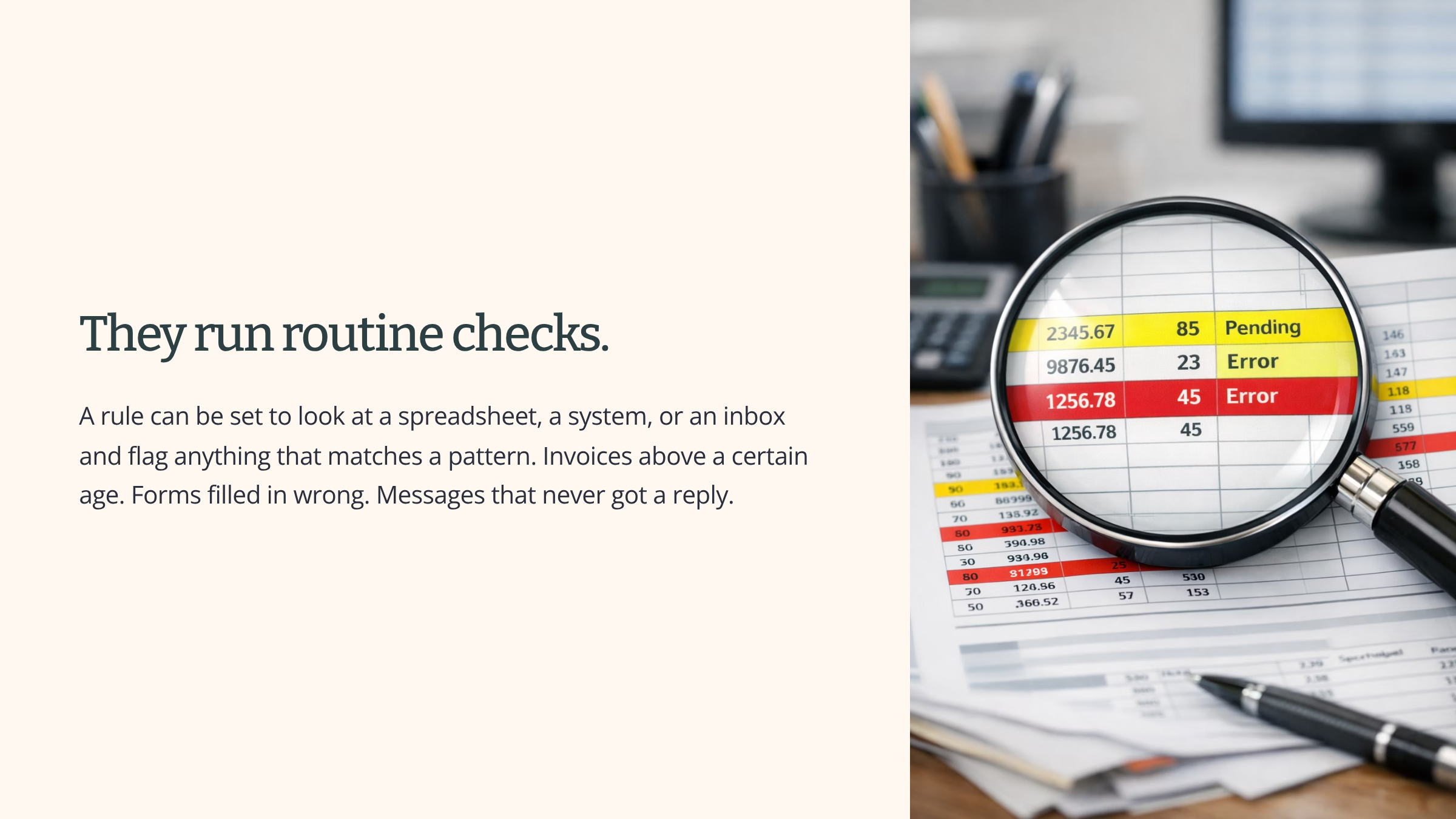
Each type has its strengths. AI tools do well on drafting, summarising, translating, pulling structure out of mess, and generating ideas. Automation tools do well on moving information between systems, routing work, and running checks on a timetable.
Each type has tasks it is a poor fit for. AI tools still need verification, even when they can fetch live data, and they should not be handed judgement calls with real consequences. Automation tools cannot deal with messy inputs or situations that change around them.
And the tools carry their own risks. AI tools can produce fluent answers that are wrong. They can produce different answers to the same question. What you put into them goes somewhere. Automation tools can keep running long after the world they were set up for has shifted. They can break when the inputs change shape, sometimes quietly.
That is the picture you carry into the rest of your work with these tools.